Two screens: control and display
One PC drives a touch panel with large buttons and a big display screen for content. No training or instructions needed.
FlowScreen · Interactive info kiosks
A visitor taps a button on the touch control screen, and a video, slideshow or website starts on the second display screen. Fully offline, no training or instructions needed.
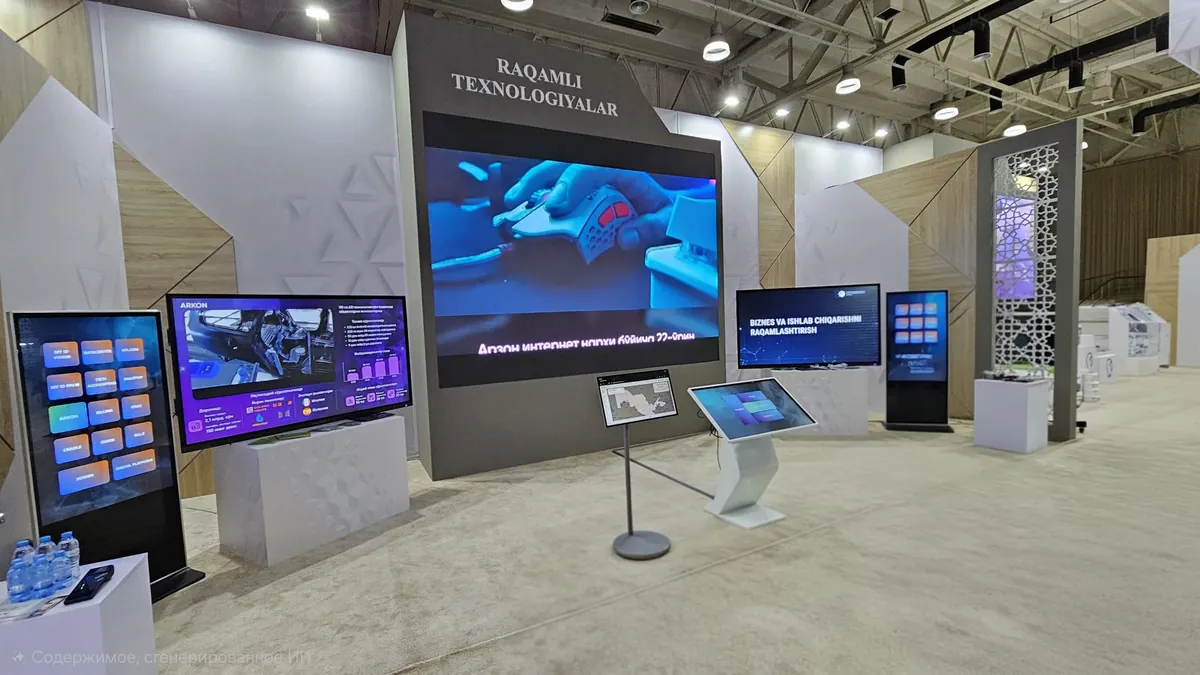
FlowScreen is used in government offices, at exhibitions, in banks, medical centres and shops.
One PC drives a touch panel with large buttons and a big display screen for content. No training or instructions needed.
Video with sound, slideshows (automatic or swipe), a built-in browser and a Stop button - all from the control panel.
Grid, photo tiles, carousel, vertical strip, fan and radial menu - for any scenario and content.
12 colour schemes, 12 button styles, ~180 icons and a background image, with a live preview while you set it up.
No internet, subscriptions or external servers. Autostart, auto-recovery after failures and a PIN on the settings.
An installer (.exe) with autostart or a portable version (.zip): settings and media sit side by side, easy to move on a USB stick.
The visitor’s control screen and the kiosk settings - screenshots from the real version.
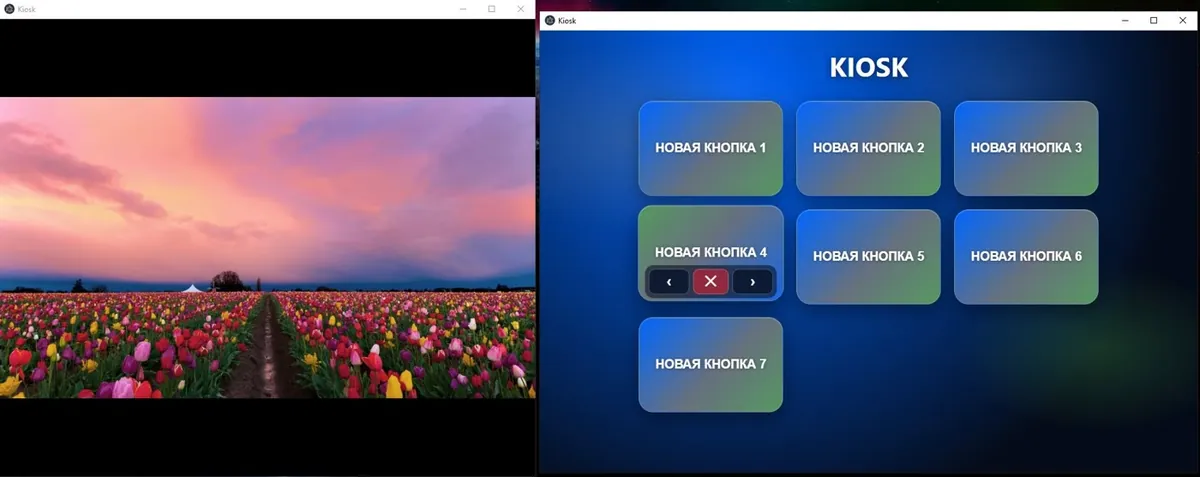
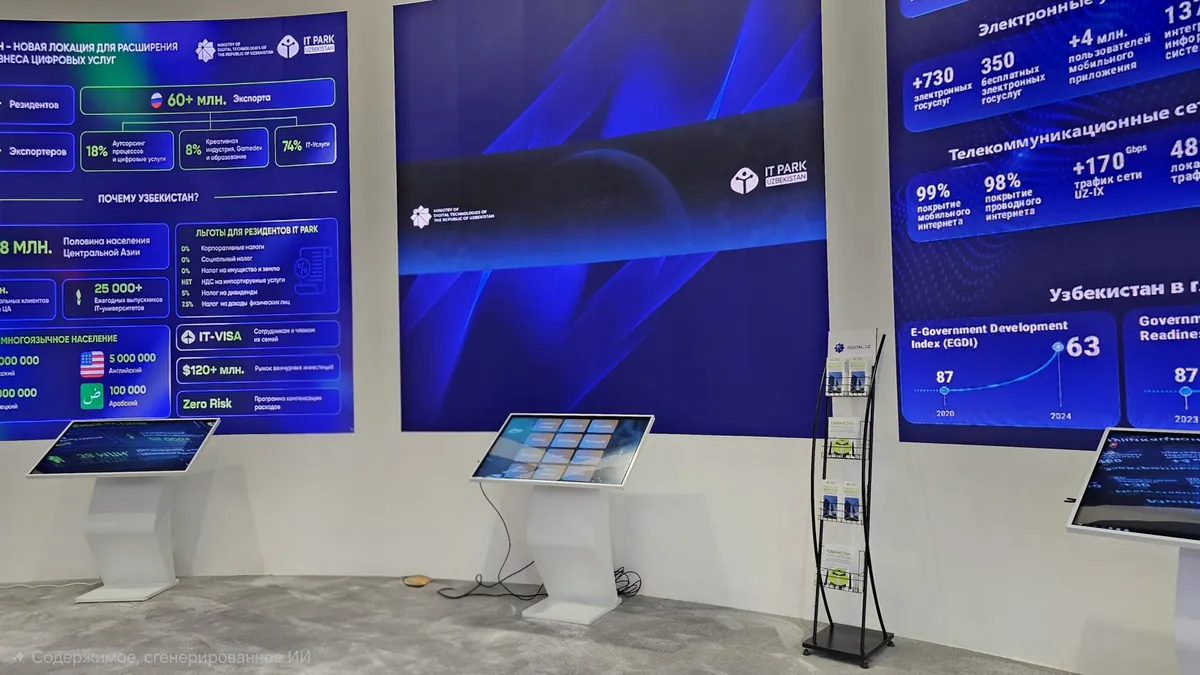
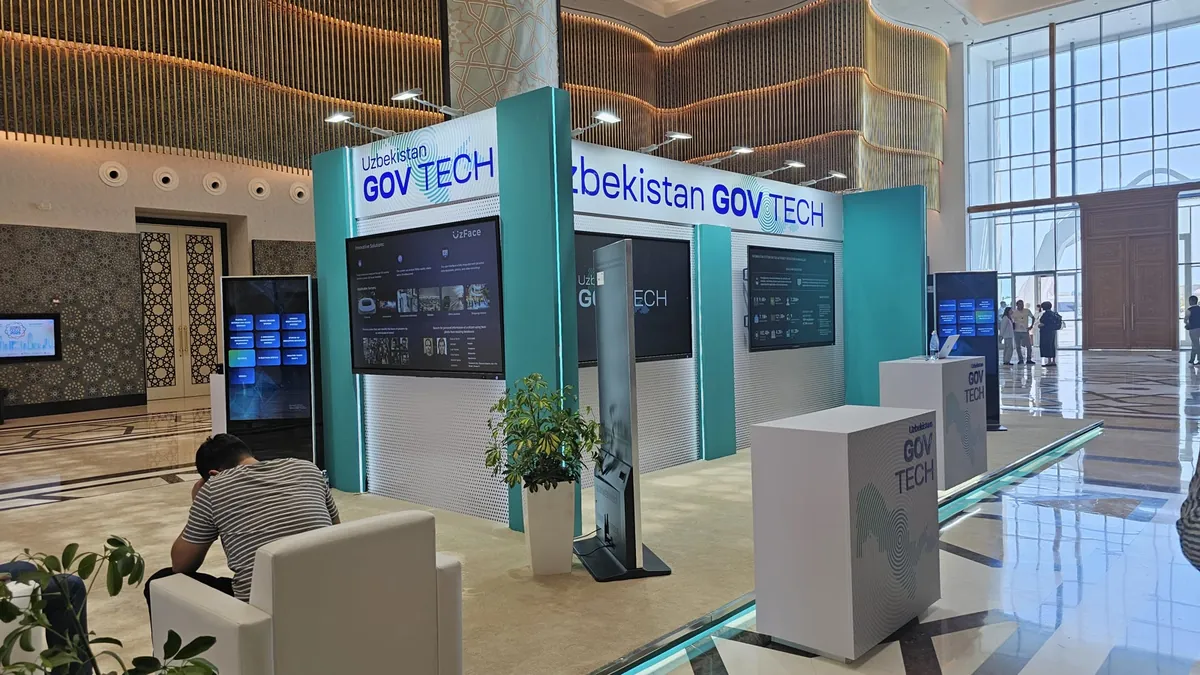
Real FlowScreen installations at events and in public spaces.
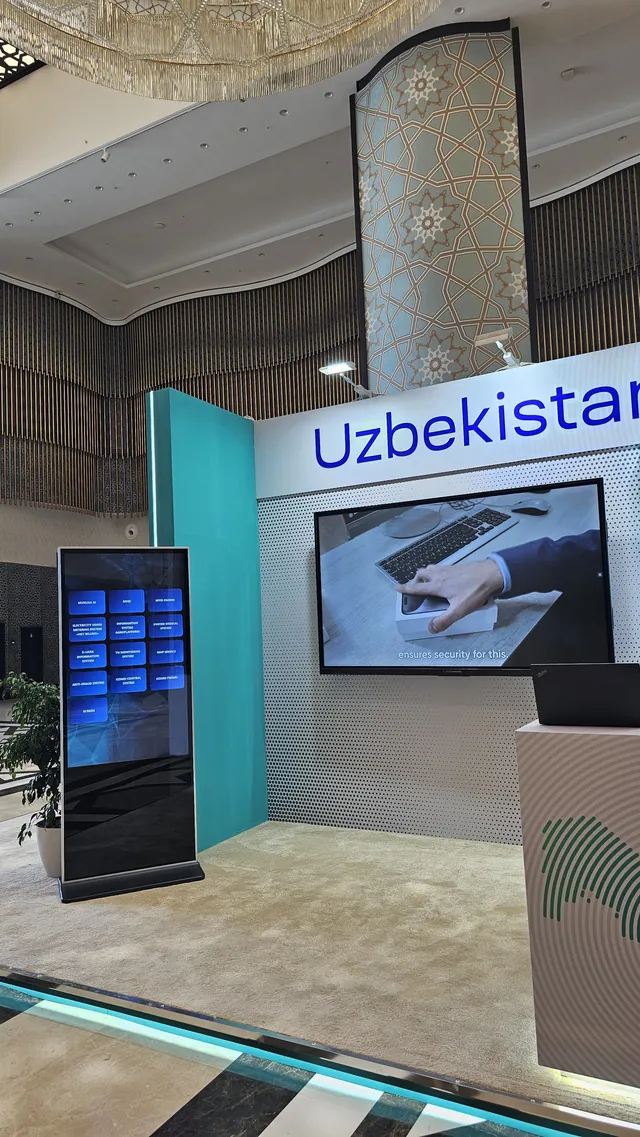
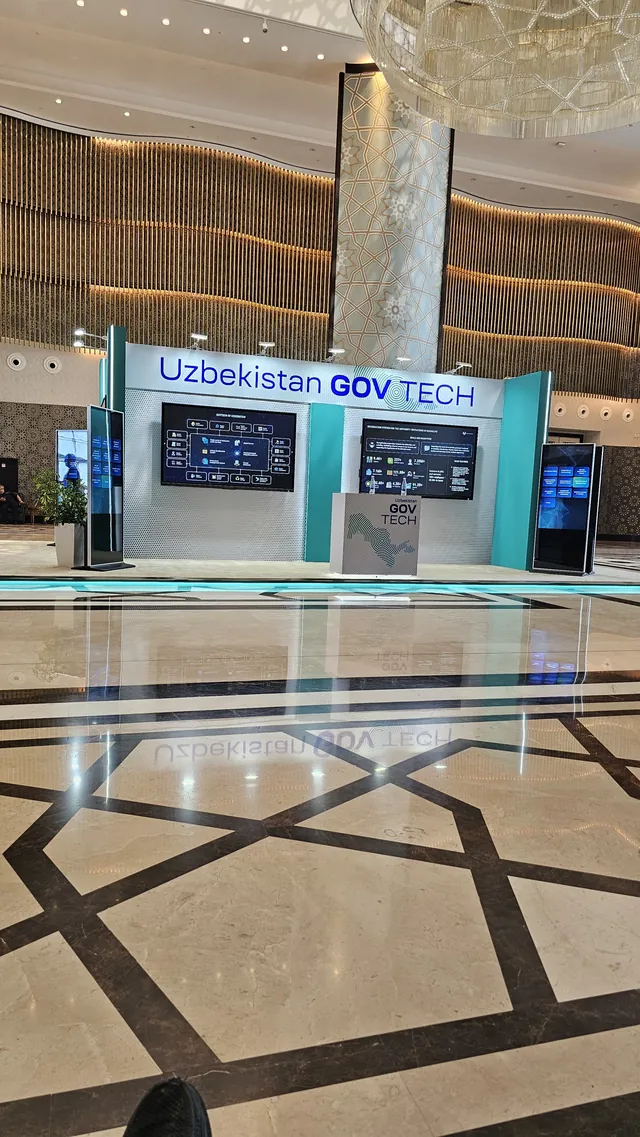
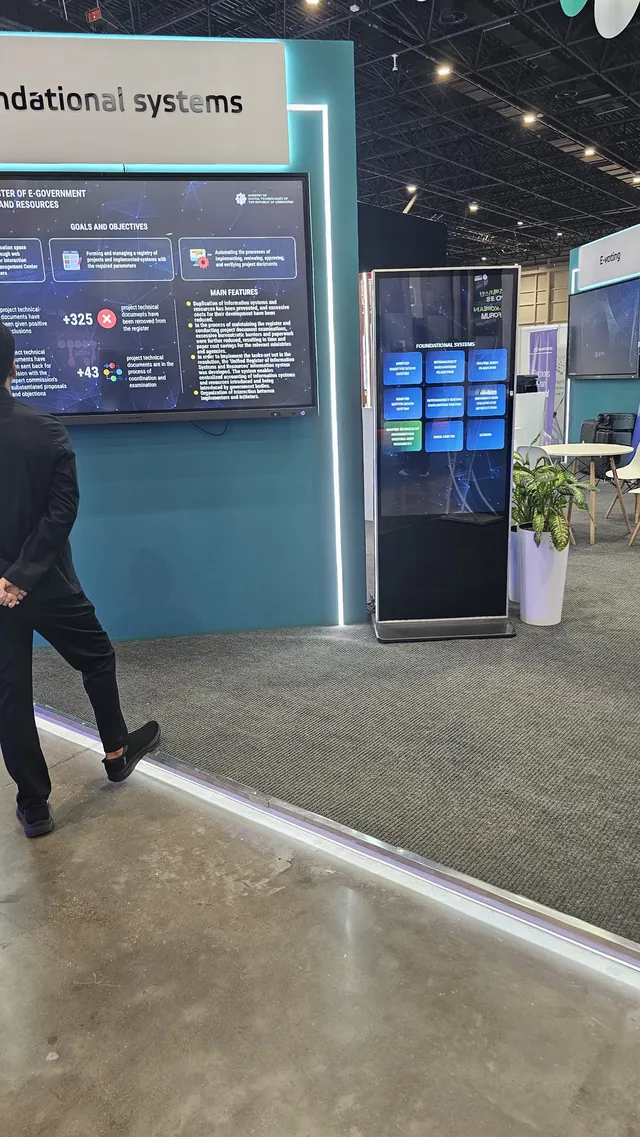
An installer (.exe) with autostart or a portable archive (.zip) - no extra software needed.
Upload videos, slides and websites, create buttons and pick a style.
Connect the touch panel and the display - the kiosk is ready, no internet needed.
| Minimum | Recommended | |
|---|---|---|
| Operating system | Windows 10 64-bit (1809+) | Windows 11 |
| Processor | 2 cores ~2 GHz | 4 cores |
| Memory | 4 GB | 8 GB |
| Disk | ~300 MB + space for media | SSD, 2-5 GB |
| Graphics | integrated (Full HD H.264) | hardware H.264 decoder |
| Screens | 2: touch panel + display | 2: touch panel + display |
Runs even on an office PC with integrated graphics. No extra software - no Node.js, .NET or codecs. No internet needed; Wi-Fi only to open the settings.
No. FlowScreen works fully offline; Wi-Fi is only needed to open the settings.
A Windows 10 or 11 computer and two screens: a touch panel and a display. Even an office PC with integrated graphics will do.
Yes. In the portable version the settings and media sit next to the program, and settings can be exported and imported.
FlowScreen starts by itself and recovers after failures. The settings are protected with a PIN.
We will explain what it can do, help you pick the hardware and get your content running.
An idea, a bug or a question - we read everything.